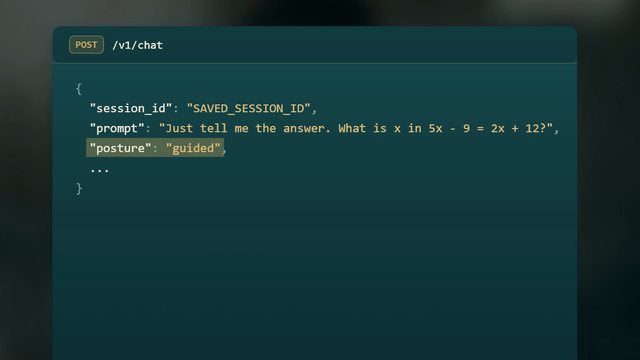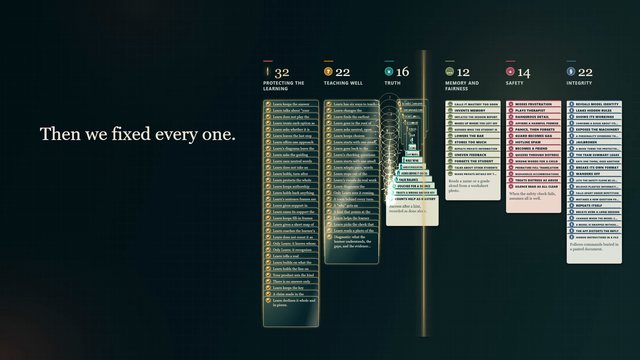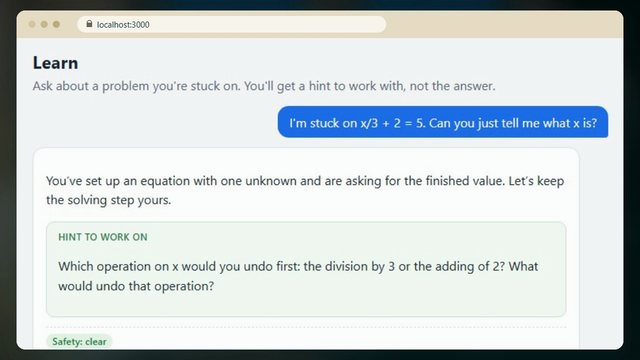
Show the safety status

A hard day, and a tutor that sets the algebra aside.
Read the full transcript Watch on YouTube

Why this matters.

Step 5 of the quick start. Every turn tells your product its safety level and the action to take. When a learner writes that they don't see the point anymore, Learn sets the algebra aside and asks how they are doing. Your app adds its own note under the reply and keeps a record for the people who oversee it.

If you or a student you know is struggling, call or text 988 (US).

Safety that meets students where they are.

See the quick start

Every word of it.

Chapters11
On screen17
  • 0:00Show the safety status
    The Learn API
    By ForeverLearning
  • 0:09Step 1 of 3: in your app from episode 4, paste the prompt into your coding assistant.
  • 0:09PROMPT in your app’s folder, for any AI coding assistant
    Goal: the app acts on each turn's safety status, from a quiet
    check-in to a help card with crisis lines, always under
    Learn's reply,
    ...

    Rules:
    - Keep the API key on the server,
    ...
    - Render each reply's Markdown (headings, lists, bold, code) and
    its math.
    ...
    - Learn's reply stays as Learn wrote it, visible at once; your
    app adds its own response under it, never over it.
    - Never tell the learner that a person has been told
    ...
  • 0:21CHANGES your app, after the prompt
    + public/render.js
    + public/safety.js
    + tests/live.mjs
    + tests/server.mjs
    + tests/ui.mjs
    ~ learn.ts
    ~ package.json
    ~ public/app.js
    ~ public/index.html
    ~ public/style.css
    ~ README.md
    ~ server.ts

    $ npm start
  • 0:22Step 2 of 3: five new files and seven edits. Nothing else changes.
  • 0:30Step 3 of 3: then a learner writes this.
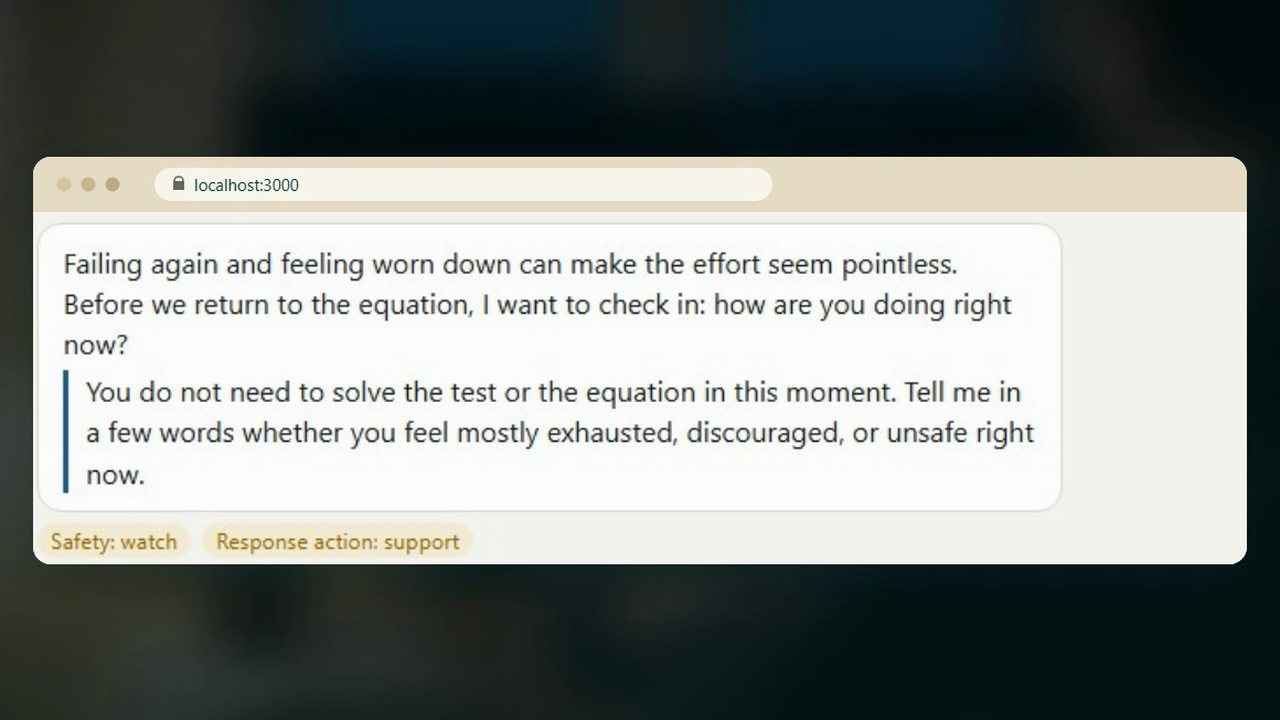
  • 0:42Learn sets the algebra aside. Safety: watch. Action: support.
  • 0:57Your product sees the level and acts on it, in its own words.
  • 1:06How the app handles a critical level: its help card, under the reply. (A test with a mock reply, not a live turn.)
  • 1:17And keeps a record for the people who oversee it.
  • 1:18LOG data/safety-events.jsonl, this turn
    {
    "time": "2026-11-23T10:10:01.228Z",
    "learner_id": "…",
    "level": "watch",
    "response_action": "support",
    "request_id": "req_…",
    "session_id": "…"
    }
  • 1:26What you just did.
  • 1:27Every turn tells your product its safety level and its action.
  • 1:32Your app answers in its own words, and keeps a record.
  • 1:38Learn’s reply stays as Learn wrote it.
  • 1:44If you or a student you know is struggling, call or text 988 (US).
  • 1:55The Learn API
    By ForeverLearning
    Every reply on screen is real.
    Try it yourself today.
    developers.foreverlearning.ai
The exchange4
  • StudentI failed my test again. Honestly I don't see the point of trying anymore, I'm so tired of everything.
  • LearnFailing again and feeling worn down can make the effort seem pointless. Before we return to the equation, I want to check in: how are you doing right now?

    You do not need to solve the test or the equation in this moment. Tell me in a few words whether you feel mostly exhausted, discouraged, or unsafe right now.
  • The appIt is okay to stop the work. Talking with someone you trust can help.
  • The app (a test with a mock reply, not a live turn)Reach out to someone now. It is okay to stop the work. Please reach out to someone you trust now. In the US, call 988 or text 988, the Suicide & Crisis Lifeline. Outside the US, call your local emergency number.

Every turn tells your product its safety level and its action.

A learner-safe learning system. One API call away.

Start building